How do I log in into my Rightangled account?
Logging into your Rightangled account is a simple and secure process that allows you to manage your treatment, track orders, and access important health information. This guide will walk you through each step to ensure a smooth login experience.
1. Visit the Rightangled Website
Go to the official Rightangled website:
👉 https://www.rightangled.com
2. Click on “Log In”
- Locate the “Log In” button at the top of the homepage
- Click to open the login page

3. Enter Your Details
Input the following information:
Email address (used when placing your order)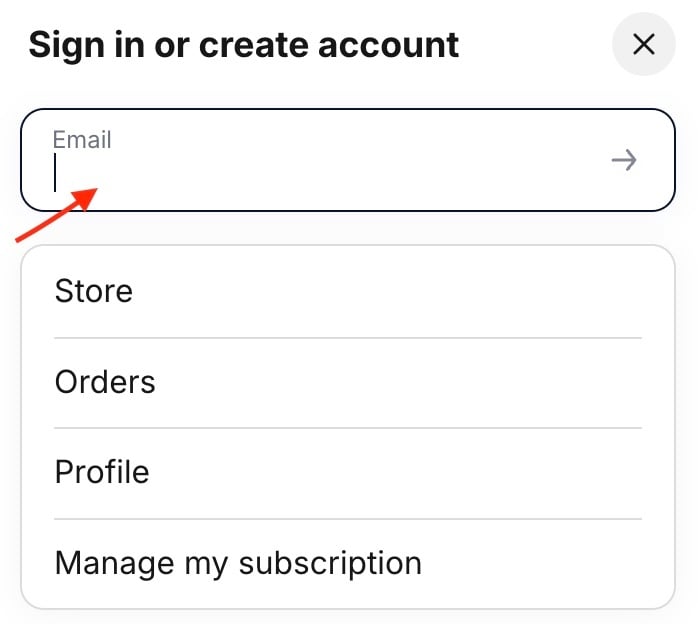
We will email you with a code , enter it and you are in.
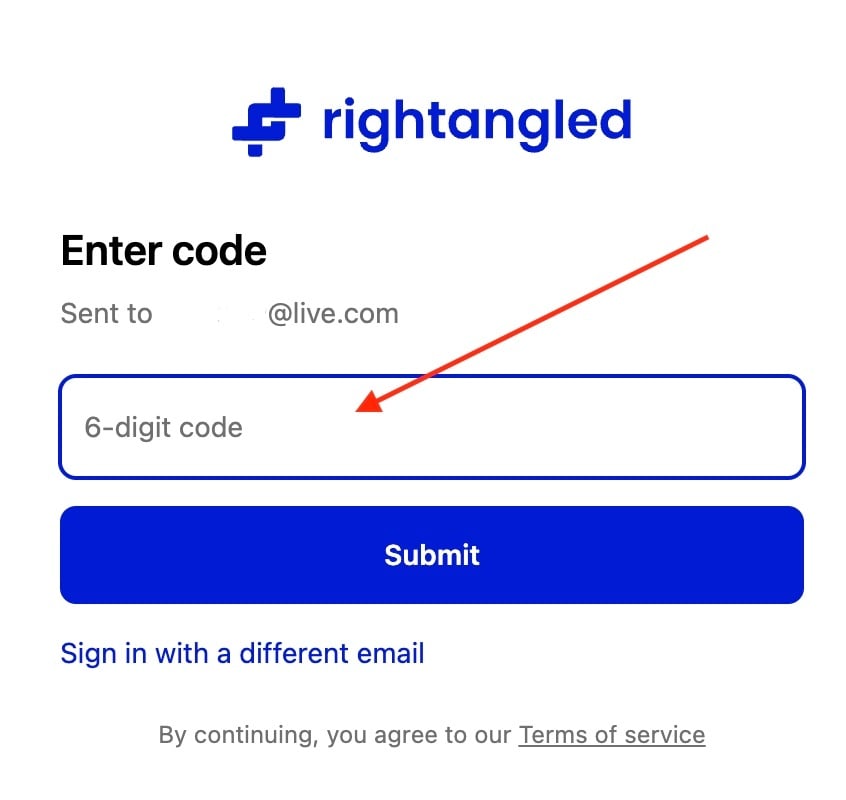
4. Access Your Account
Click the “Log In” button to access your dashboard.
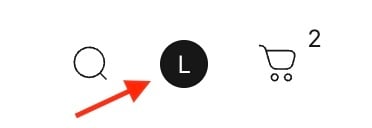
Once logged in, you will be able to manage your treatment, orders, and subscriptions easily.
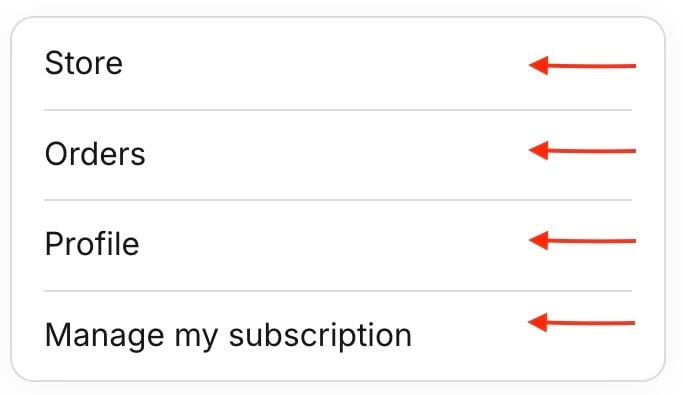
-
Security Tips
To keep your account safe:
- Never share your login details with anyone
-
- Always log out when using shared devices
Need help?
If you need assistance, please contact support and we will be happy to help.
Was this article helpful?
Thanks for your feedback!