How can i update my personal details ?
Update your name, contact details, or address quickly and securely through your account settings or with support assistance if needed.
You can update your personal details directly through your account settings. If certain details cannot be changed, our support team will assist you after verification.
What details can I update myself?
You can update the following directly in your account:
- Email address
- Phone number
- Delivery address
These changes take effect immediately once saved.
What details require support assistance?
The following details may require manual review:
- Full name
- Date of birth
- Medical information linked to your profile
This is to ensure compliance with healthcare and prescription regulations.
How to update your details
Option 1: Update via your account (Recommended)
- Log in to your account
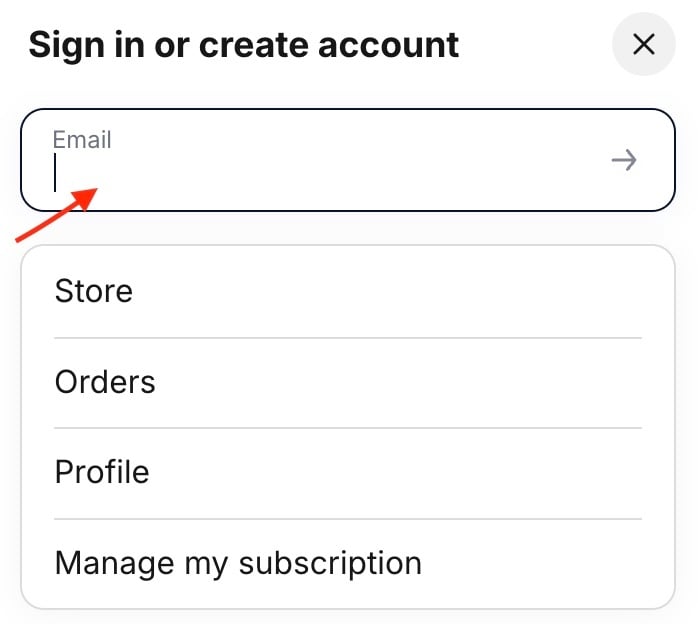
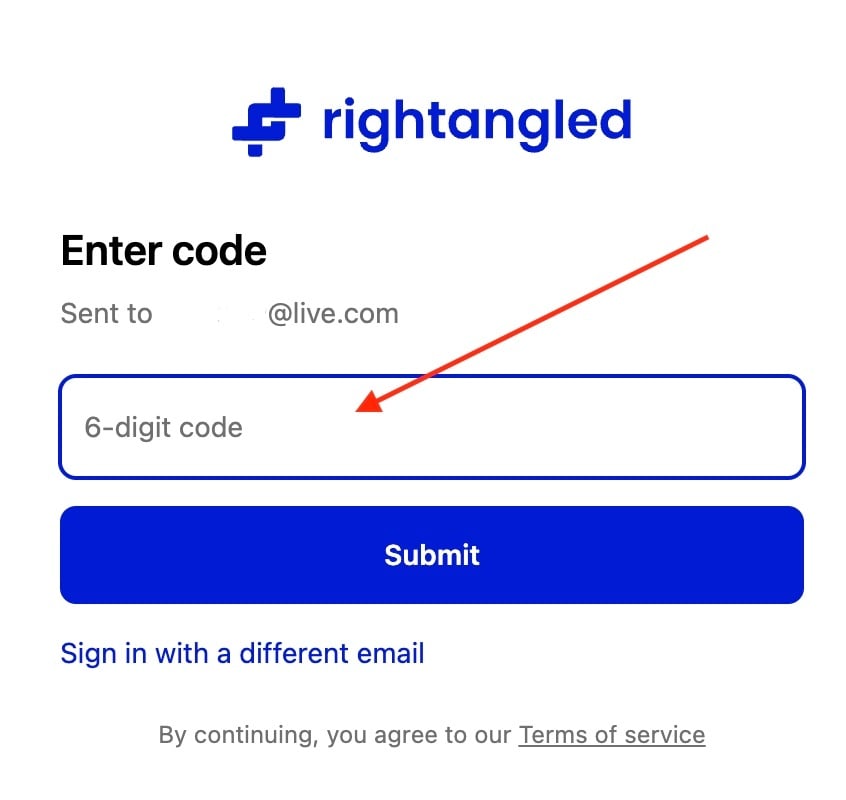
- Go to Account Settings
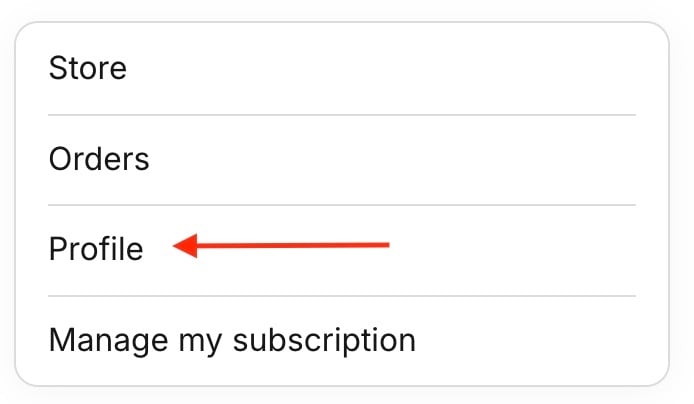
- Select the details you want to update.
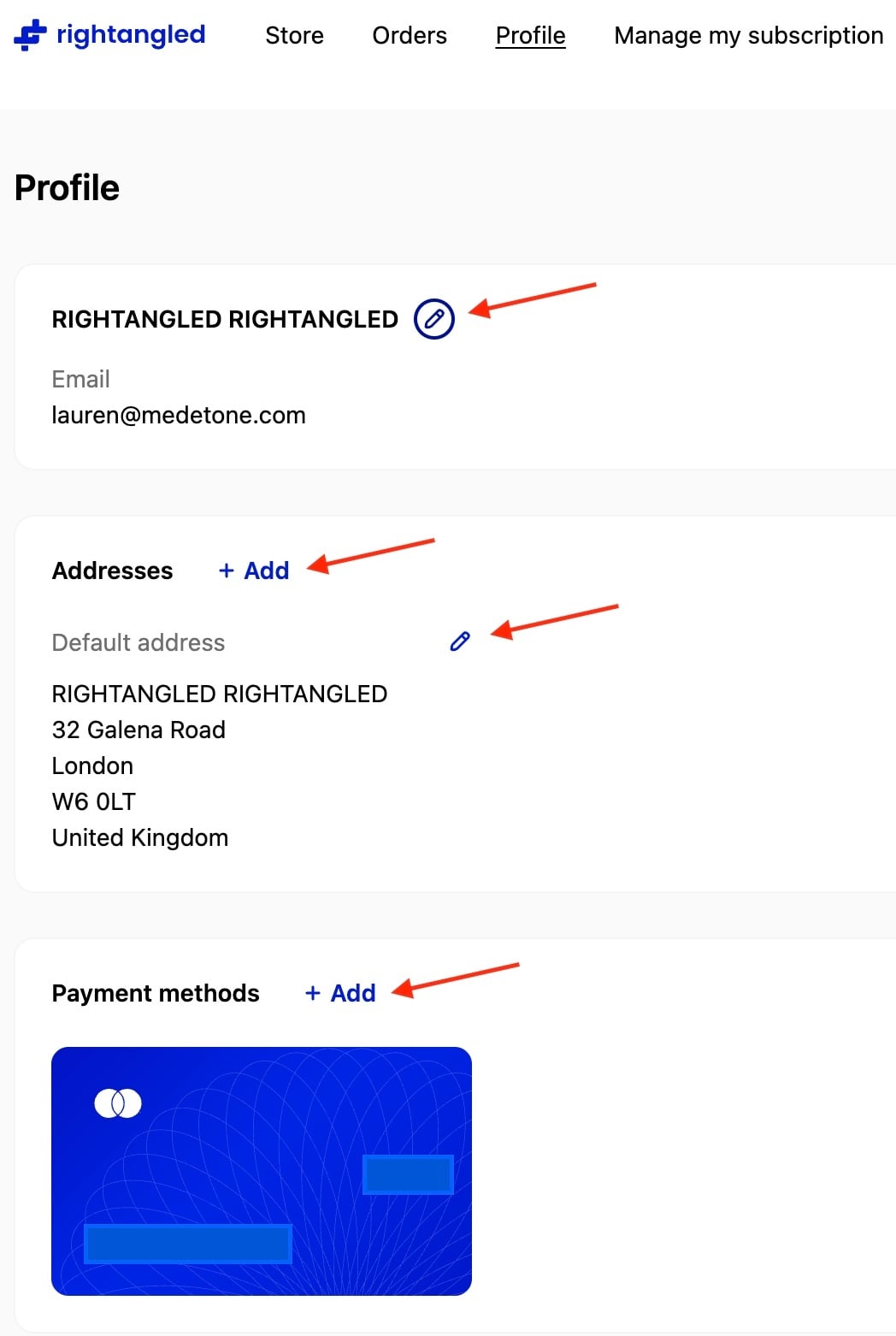
- Enter the new information
Account details:
- If you update your email address, you will need to verify it again using a code sent to your new email address.
- You can add multiple addresses. When adding a new address, use the tick box at the bottom of the page to set it as your default address.
- Save changes

Option 2: Contact support
If you cannot update a detail:
- Contact our support team
- Provide the requested update
- Complete identity verification if required
Verification Requirements
When is verification required?
Verification is required if:
- You request changes to sensitive information (e.g. name, date of birth)
- Your account shows unusual activity
- The system cannot validate the change automatically
What happens during verification?
You may be asked to confirm:
- Date of birth
- Email or phone number
- Recent order details
Changes will only be processed once verification is complete.
Processing Times
- Self-service updates → Immediate
- Support-assisted updates → Typically within 24–48 hours.
Need help?
If you need assistance, please contact support and we will be happy to help.
Thanks for your feedback!