How can i change my treatment plan on my subscription?
If your dose needs to be adjusted, you can update it directly in your subscription portal. Here’s how:
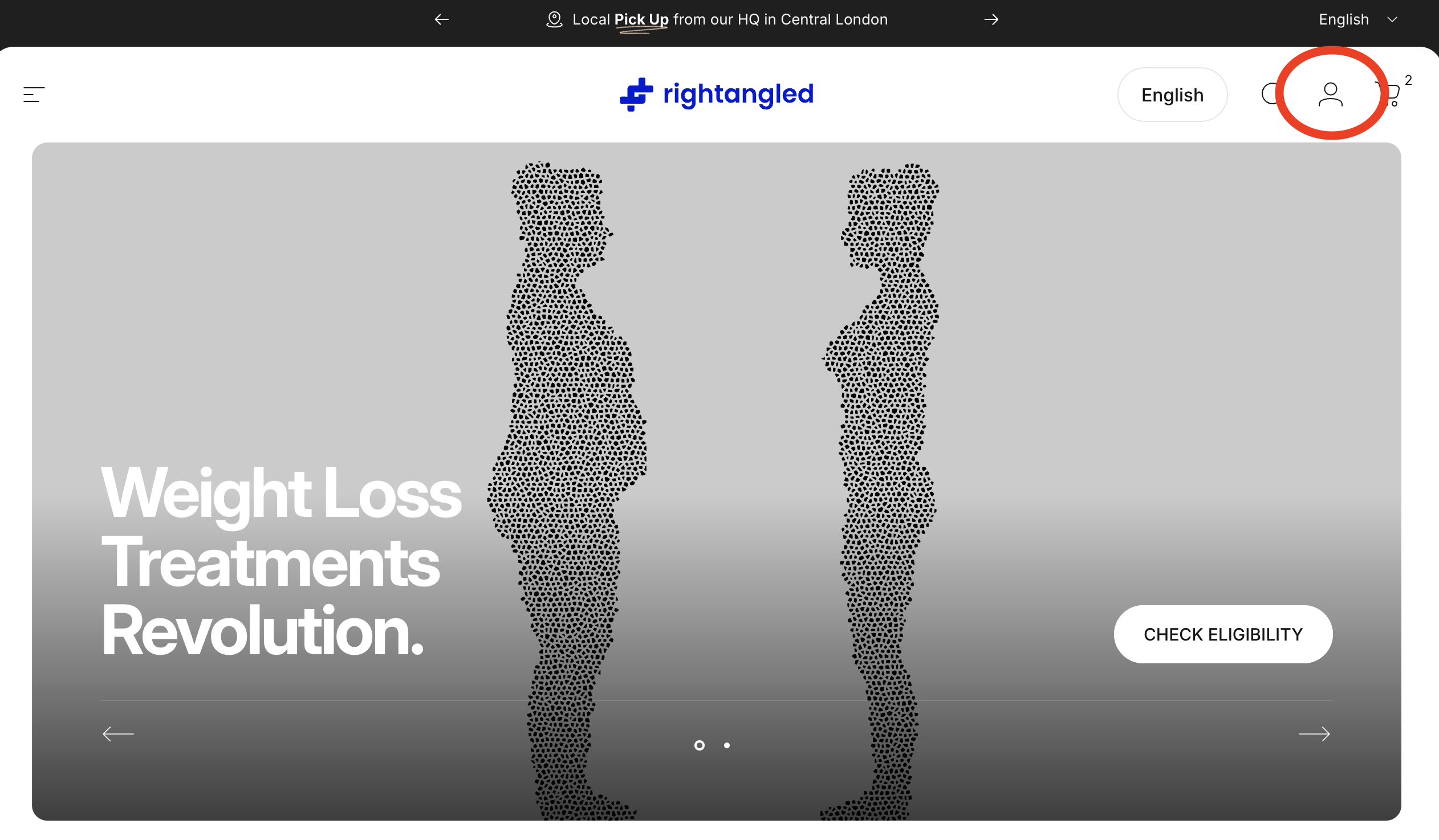
Log in to your account
-
Go to our website and sign in using your email address and the secure code sent to your inbox.
-
Once logged in, click on the figure in the top right corner
Select the Subscription tab.
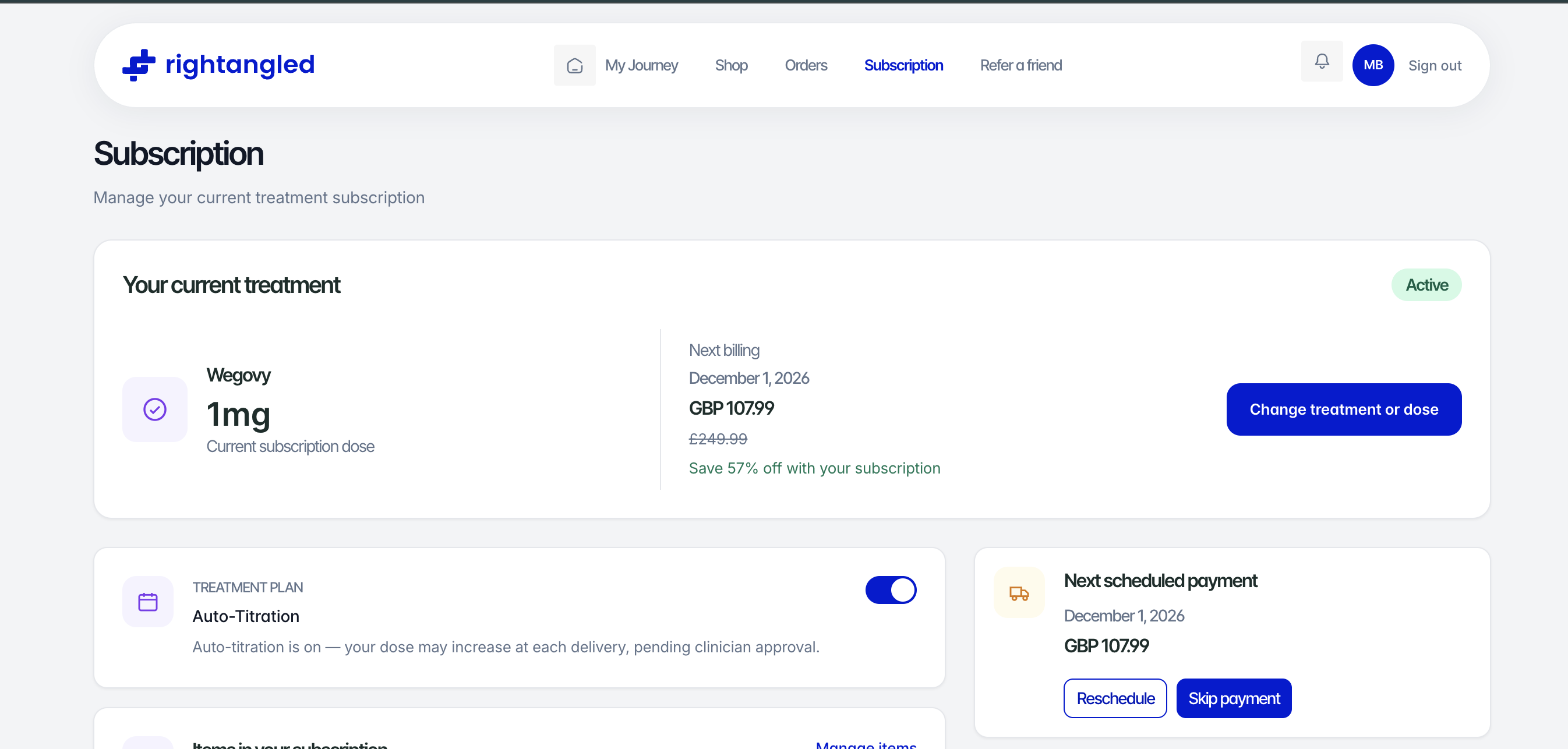
Edit your current medication or plan
-
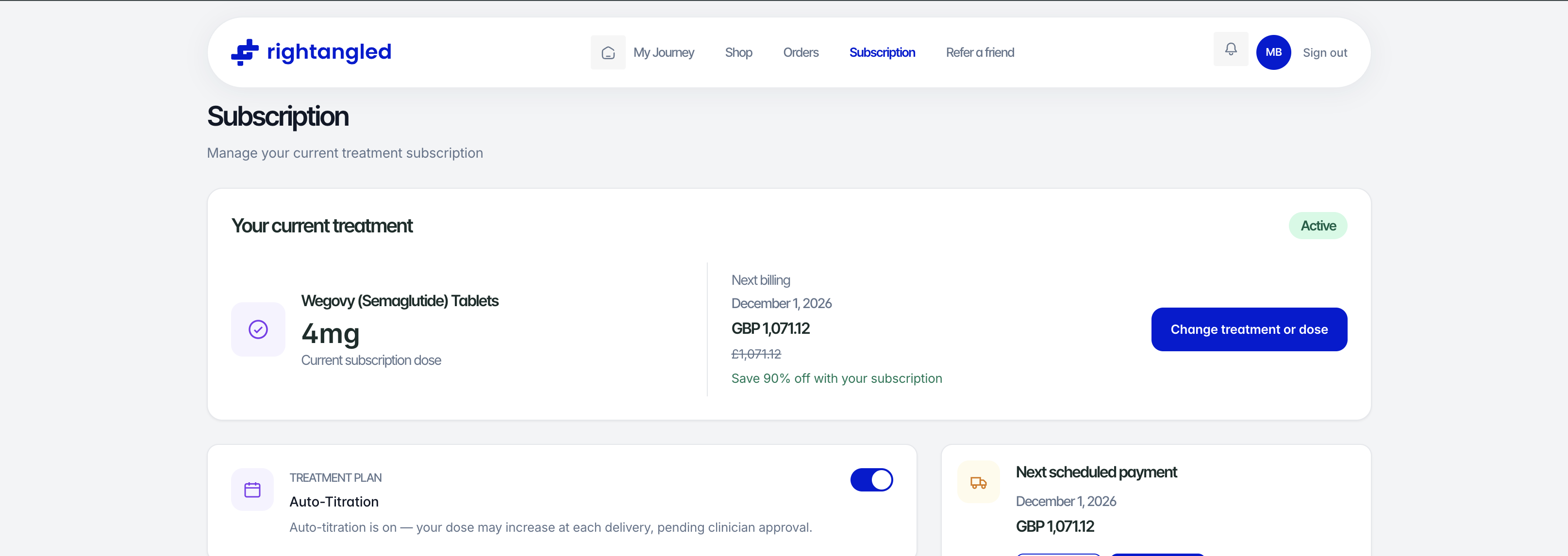
Select the "Change treatment or dose"
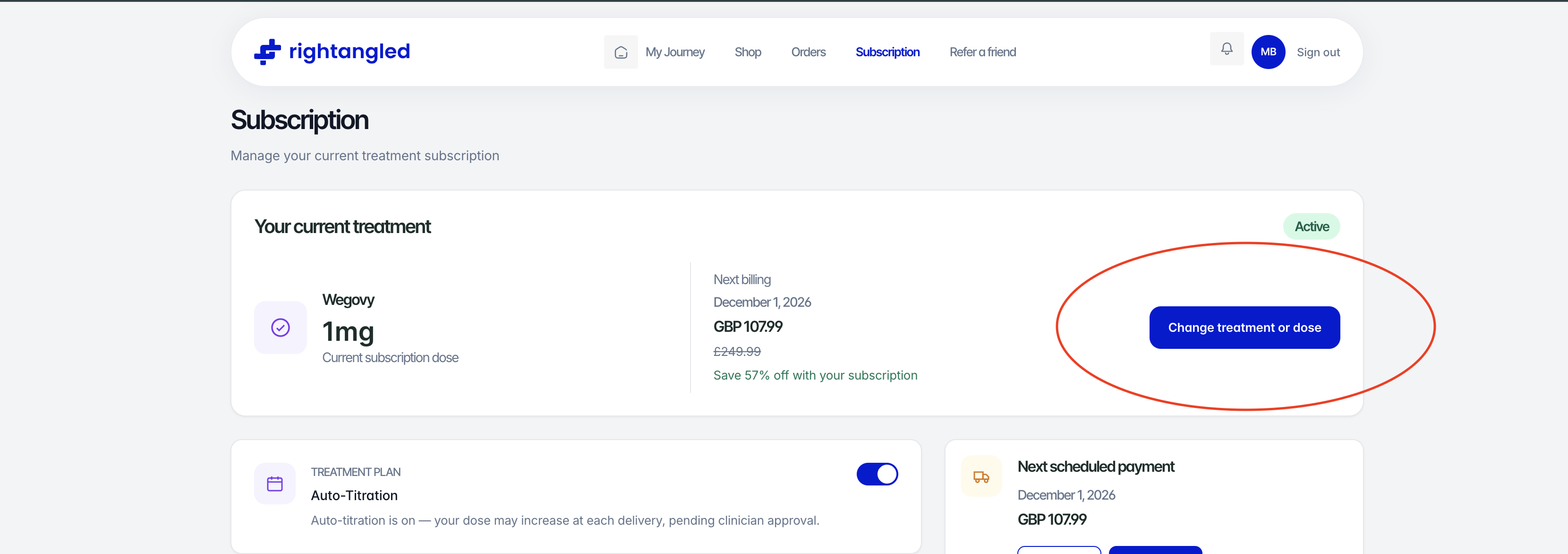
Add your new dose
-
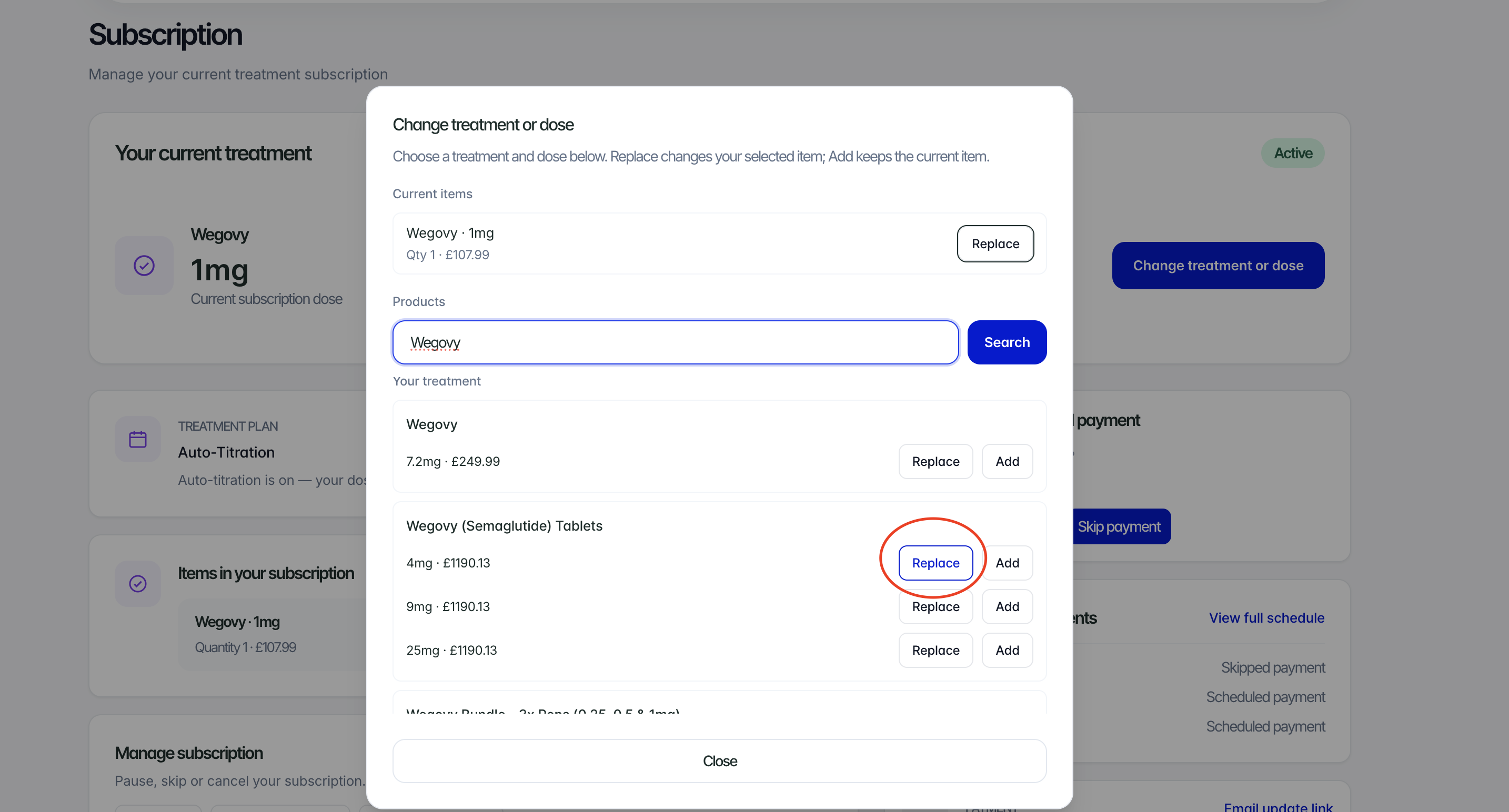
Search the dose you want or item.
-
Select "replace"
-
The new item will now appear in your upcoming order list.
Allow time for this to load......
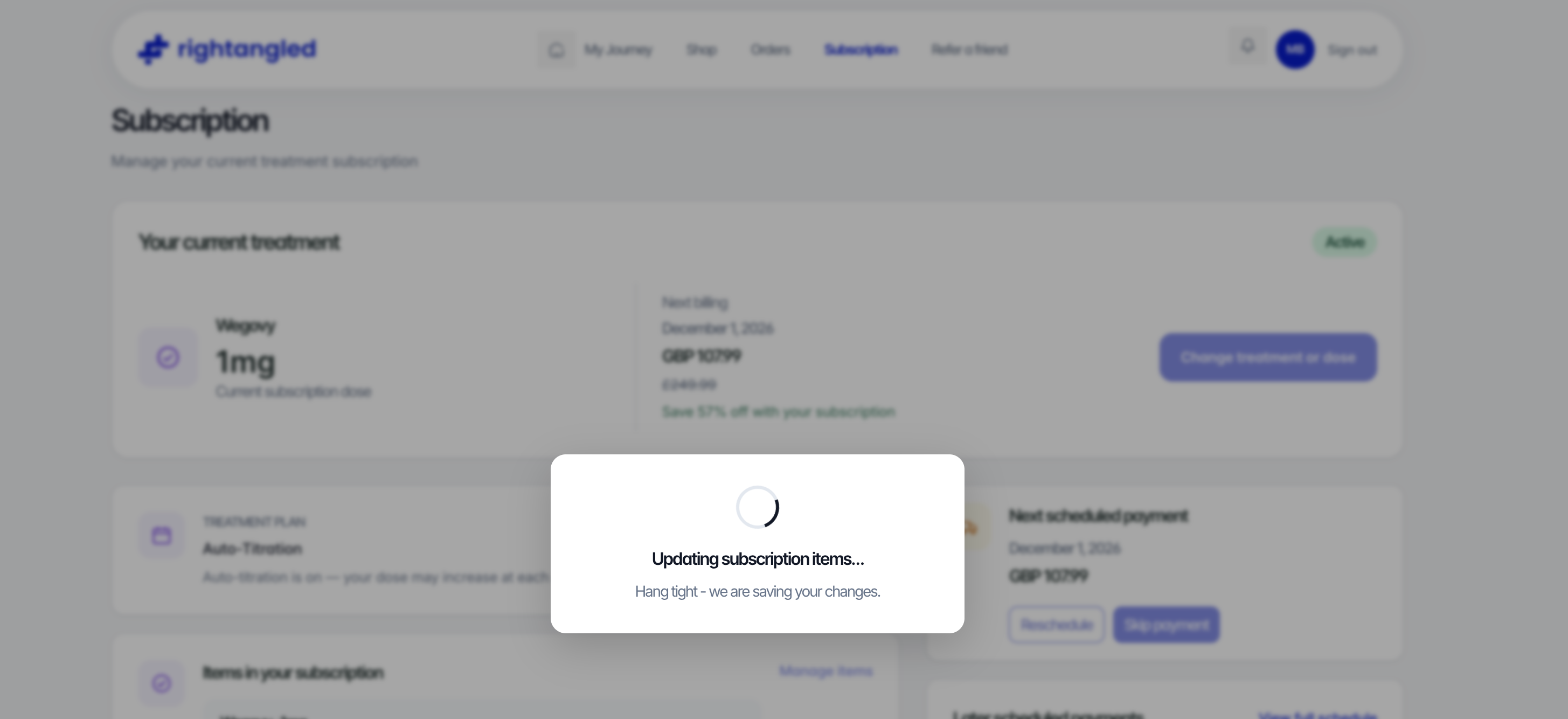
You should now see your new dose on your dashboard at the top.
Need help?
For more information, you can reach out to our customer service team at info@rightangled.com for further assistance.
Thanks for your feedback!